

This article is for users who are taken to a warning "Invalid Request" page when clicking an AWARD® link.
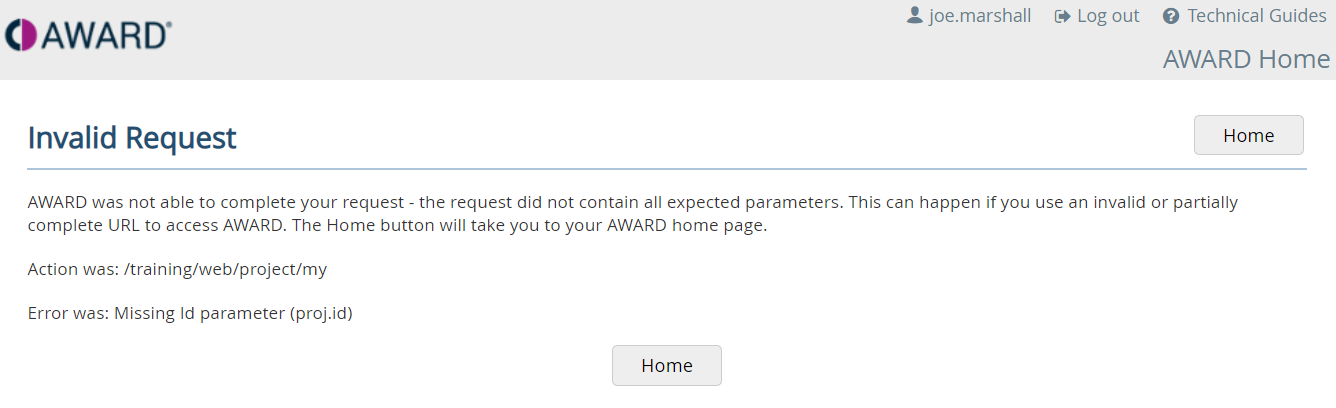
Why this happens
If you click on an AWARD® link and see a warning message "Invalid request", it usually means the link is trying to take you to an item that is no longer available or that you do not have access to.
You may see a message such as:
“You are not authorised to complete the requested action. Please contact your project manager or AWARD system administrator if the problem occurs again. The Home button will take you to your AWARD home page.”
This can happen if:
- The document, communication, or object has been removed
- The link is outdated
- Your user role does not have permission to access that item
Recommended approach
Unless you have been sent a direct link to a specific communication or document, it is best to access AWARD from the main login page instead of using saved or shared links.
For example:
- https://award.commercedecisions.com/projectx/login (look for the word login at the end of the link)
When to seek further help
If you continue to see the warning:
- Confirm the link is still valid with the sender
- Contact your Project Manager or AWARD system administrator for access support
Key takeaway
Direct links can become outdated or restricted. Accessing AWARD through the main login page and navigating to the content manually is the most reliable way to find what you need.