

This page is for users who are seeing a “User Account Locked” message.
It explains why this happens and how to unlock your account.
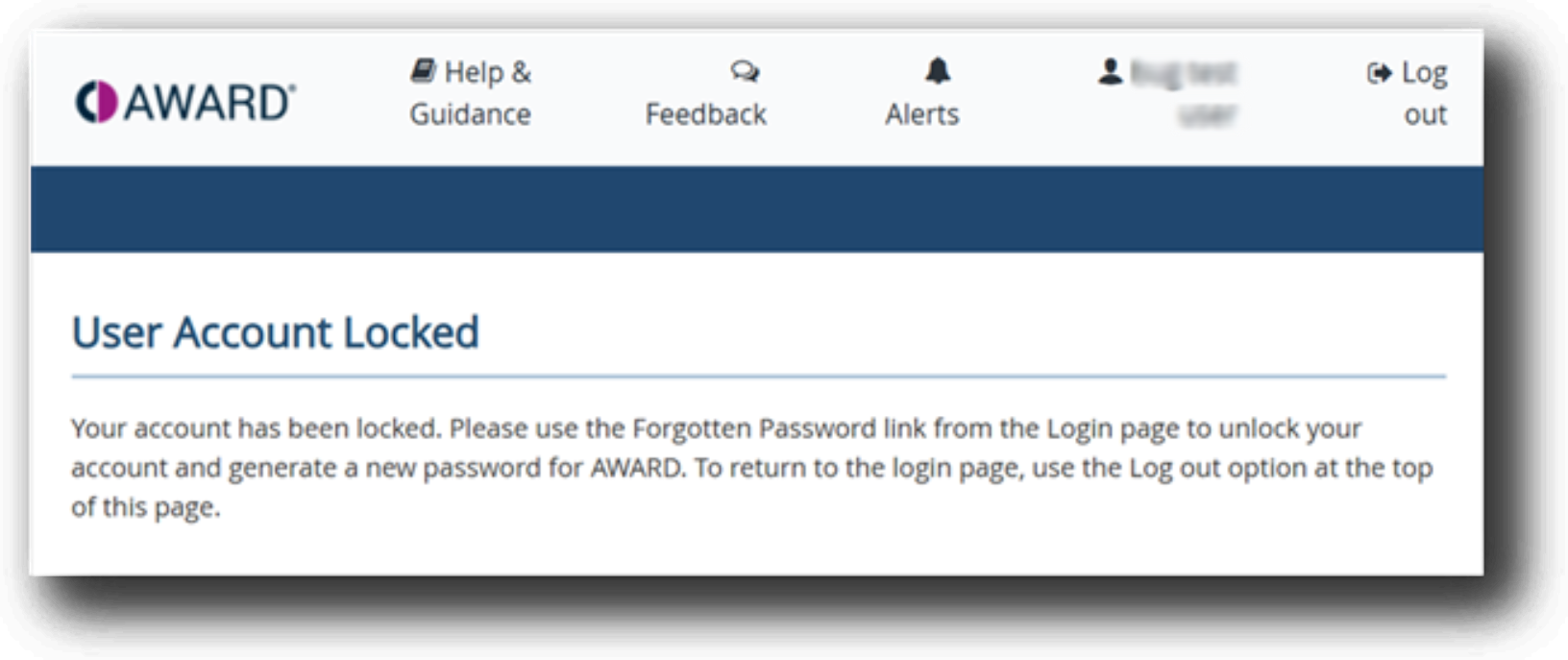
Why your account is locked
AWARD® automatically locks user accounts after a number of unsuccessful sign‑in attempts.
This is a security measure designed to protect your account.
Quickest way to unlock your account
If your AWARD® user account becomes locked, it can usually be unlocked quickly without waiting for support.
The fastest way to unlock your account is to reset your password:
- Go to the AWARD® Home page
(click “Log-out” if you are on the User Account Locked page) - Select Forgotten (Forgot) Password
- Follow the on‑screen steps to reset your password
Resetting your password will automatically unlock your account once the process is complete.
If you want to keep your existing password
If you’d prefer not to reset your password, your AWARD® Administrator or the AWARD® Helpdesk can unlock the account manually.
To do this, contact your AWARD® Administrator or raise a support ticket with the AWARD® Helpdesk.