

The first time you import either Evidence Items or supplier responses from SAP Ariba into AWARD®, you will see an alert asking you to verify your account by email. You only need to do this once. Verification is required, and you cannot continue until it is complete.
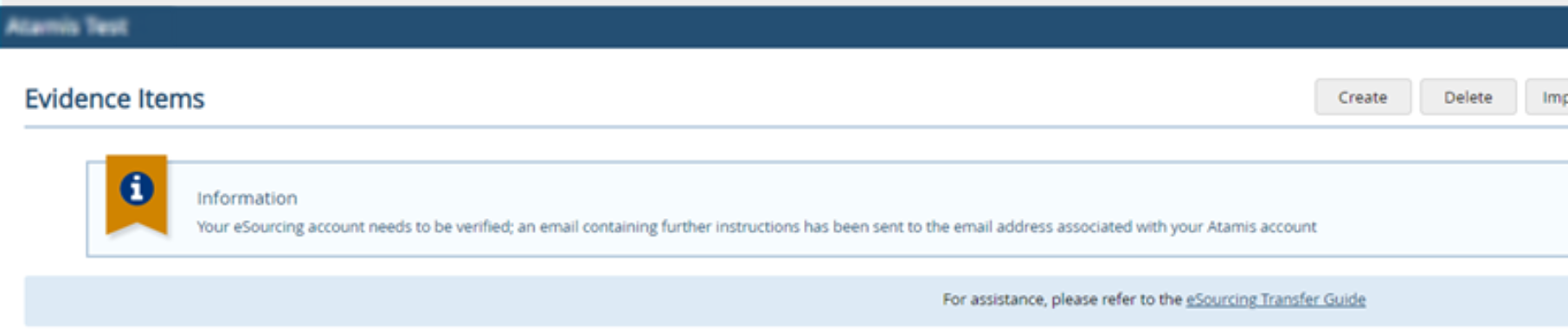
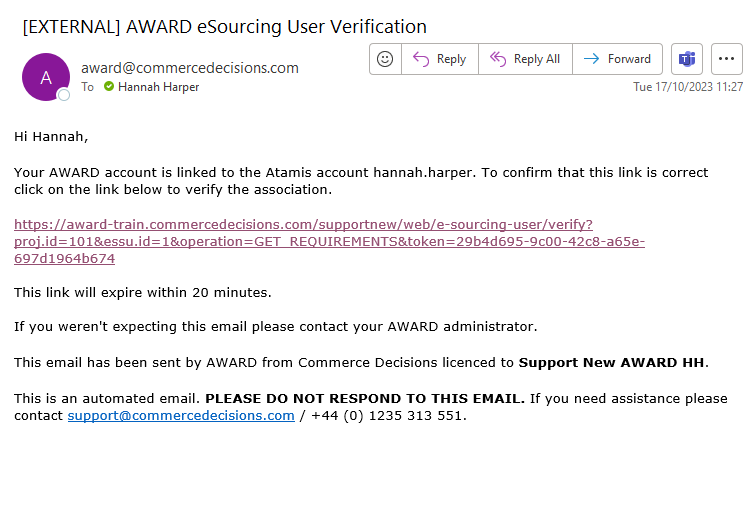
When you see the alert, go to the inbox for the email address associated with your AWARD® account. Open the verification email (similar to the example below) and select the verification link. The link expires after 20 minutes, so complete this promptly.
NOTE: If the link expires, you will land on the project home page with the following message:
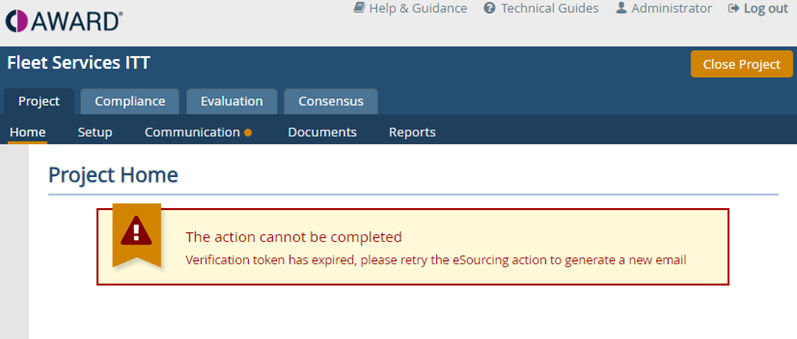
Retry the action (importing Evidence Items or supplier responses) and a new verification email will be sent.
If you do not see the email (and it is not in your junk folders), please contact the AWARD® support desk who will be able to assist.
Related Links