

If your AWARD® screen shows your bid status as Submitted, your response has been successfully submitted.
You can also review the details of your submission by running the Response Report:
From the Project Home page, click View Response.
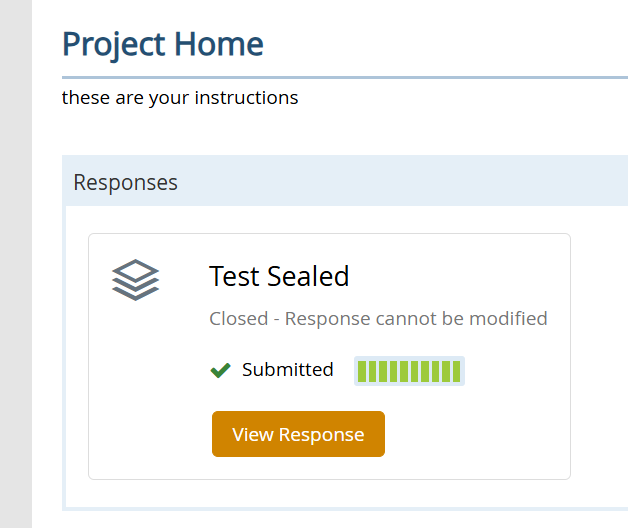
This opens the Response Summary.
Click the Response Report button to view a detailed breakdown of everything you’ve submitted.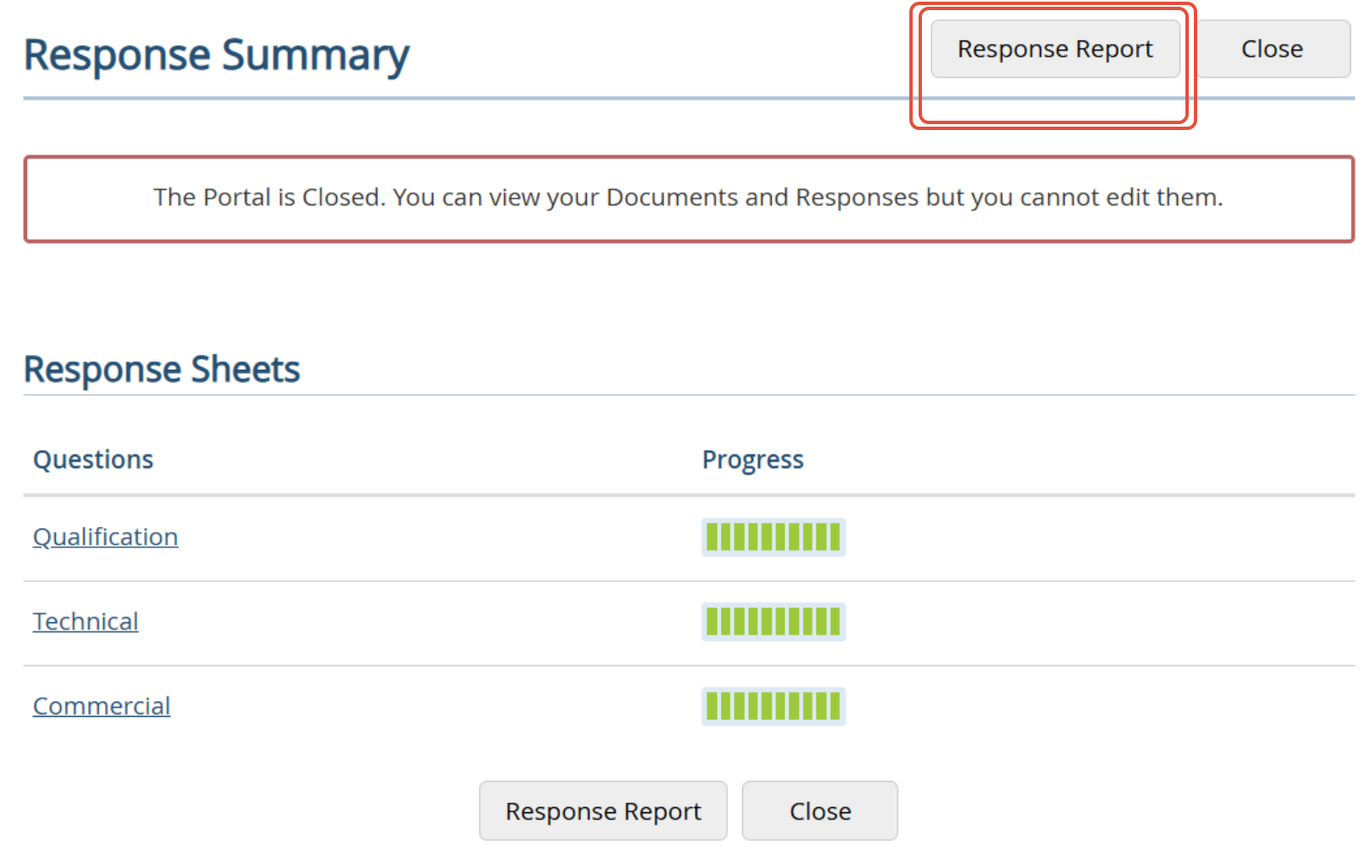
Need Further Confirmation?
If you require additional assurance, you can raise a Clarification.
Please note:
- Supplier responses are not visible to the Authority until the portal closes.
- The Authority can confirm that a submission was made, but cannot verify the specific content before closure.