

This article is for supplier users who already have AWARD® credentials and need to sign in.
It does not cover account creation or access requests — see Supplier Access to AWARD® if you don’t yet have access.
How to access AWARD®
To access AWARD®, enter your Username and Password on the login screen.
Depending on your AWARD® version, you may see one of two login screens.
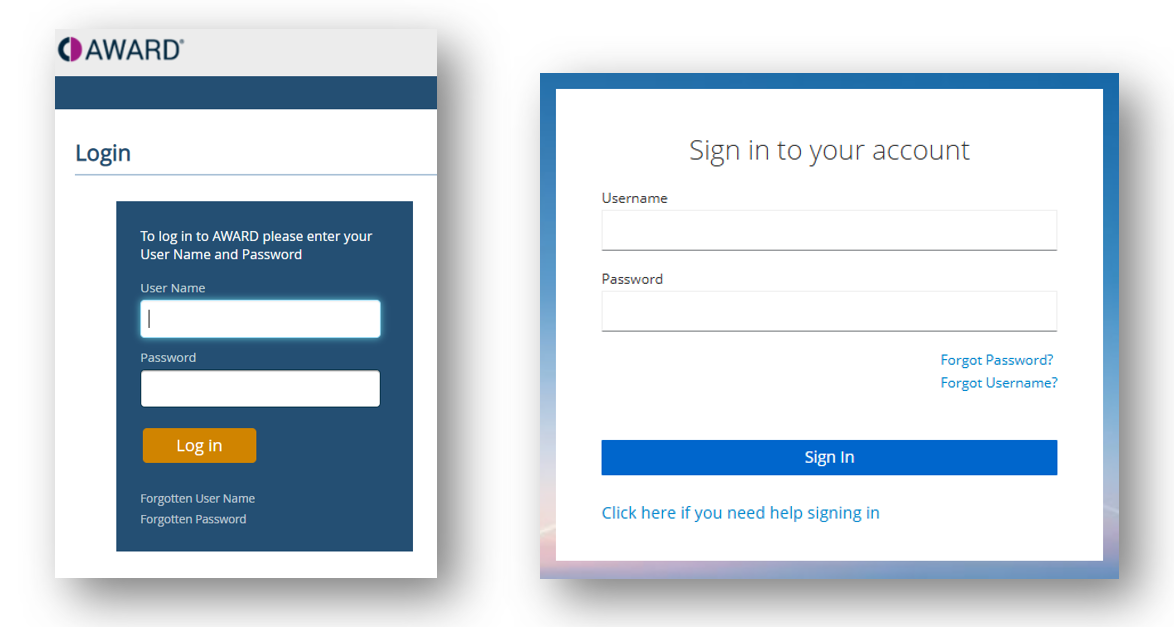
Your login details are sent to you by email when your account is created. These are typically AWARD® system‑generated emails and are sent from award@commercedecisions.com.
Having trouble signing in?
If your account is locked or you’ve forgotten your user name or password, see Common login issues.
Related Articles