

This article is intended for suppliers whose organisation already has an AWARD® account and who have been instructed to register for a specific project or opportunity.
This article explains how to register for an opportunity in AWARD® as a Registered Supplier when your organisation has previously been registered with the authority.
Overview
As part of a project notice, you will be provided with a URL that allows you to access AWARD®.
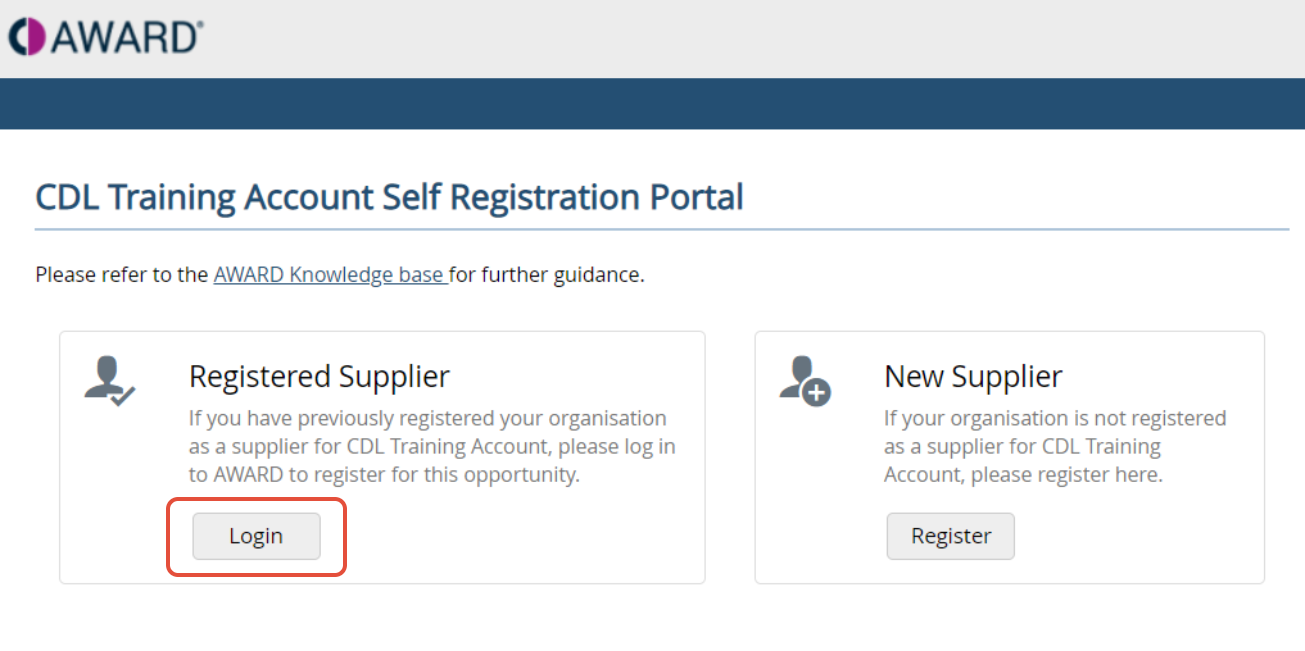
When you browse to the supplied URL, you will be presented with two login options. If your organisation has previously registered with the authority, you must select Registered Supplier.
For an overview of login options, see Supplier Self‑Registration – Overview.
Log In as a Registered Supplier
- Browse to the URL provided in your project notice.
- On the login screen, select Registered Supplier.
- Click Login to continue.
A sample image showing the Registered Supplier and New Supplier login options.
Enter Your Login Credentials
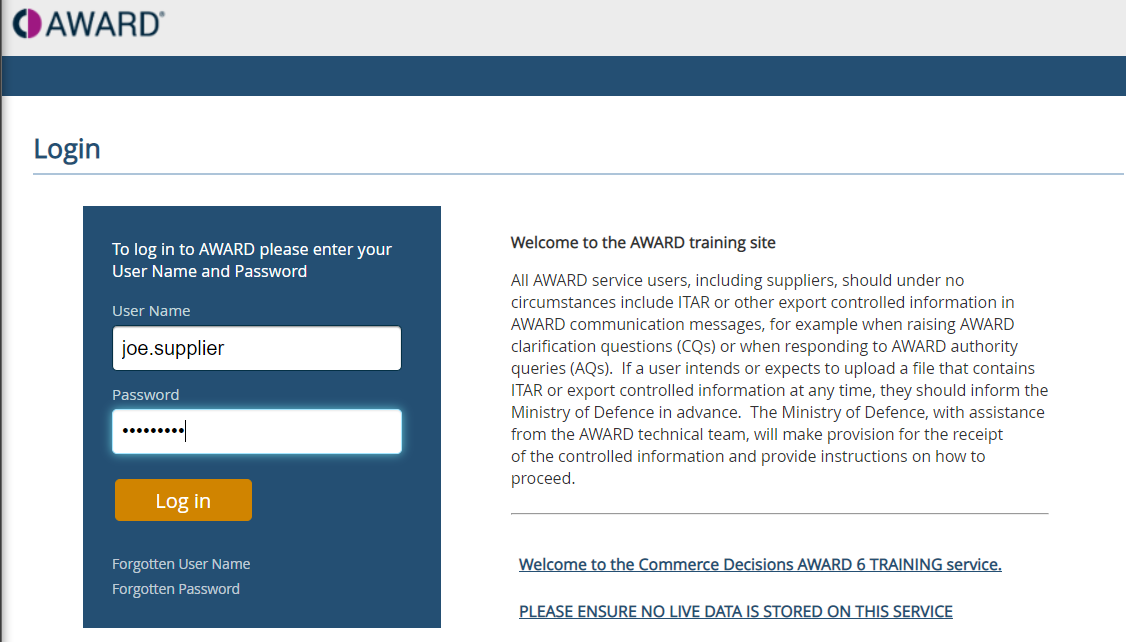
YOU will be taken to the AWARD log-in screen. Log in using your existing AWARD® credentials.
- Enter your username
- Enter your password
If you have forgotten your password, you can use the password reset option on the login screen.
A sample image showing the AWARD® login screen.
Project Registration Confirmation
Once you have successfully logged in:
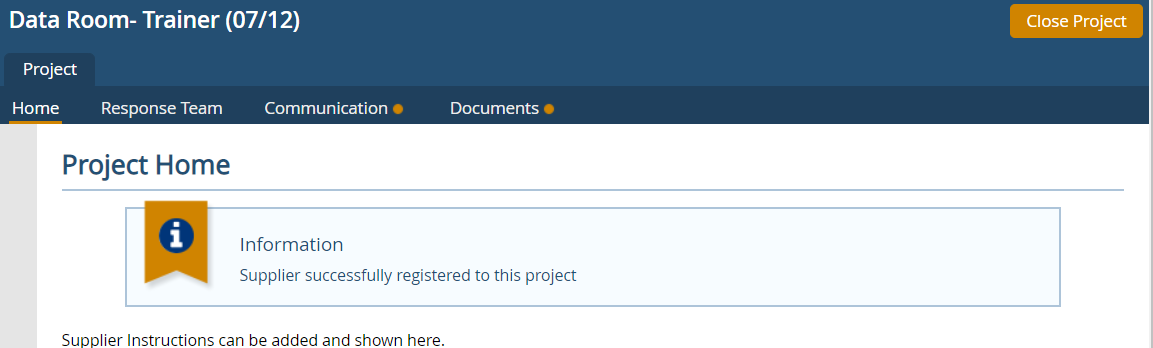
- A confirmation message will be displayed
- This confirms that your organisation has been registered into the project or opportunity
No additional registration steps are required at this stage.
A sample image showing the AWARD® home page and conformation message.
What Happens Next
After logging in and seeing the confirmation message, you can proceed with the next steps for the opportunity as instructed by the authority (for example, accessing project information or responding to the opportunity).
Related Articles
Related Articles: Supplier Self-Registration- overview
If you have previously registered your organisation as a supplier for the authority, please select Login to register for the opportunity.
Log in using your credentials- you can reset these if required.

Once logged in a confirmation message will show confirming you have been registered into the project.
